Android 13 is official - now pushing out to Pixel mobile devices
Tech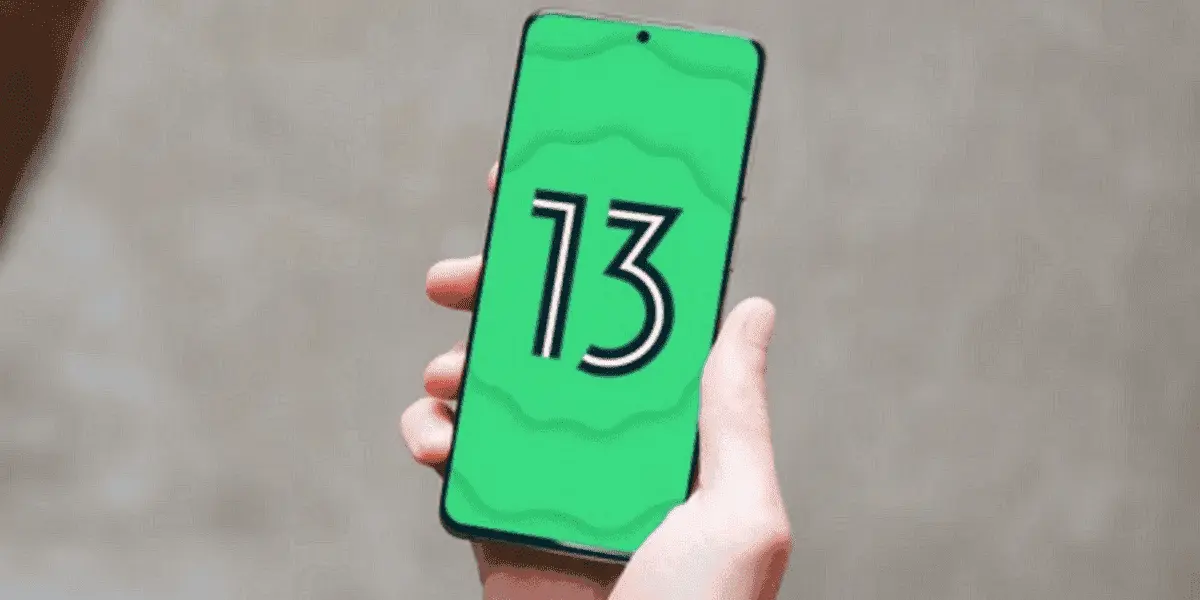


New features include:
Here are the top 13 highlights of the Google Android 13
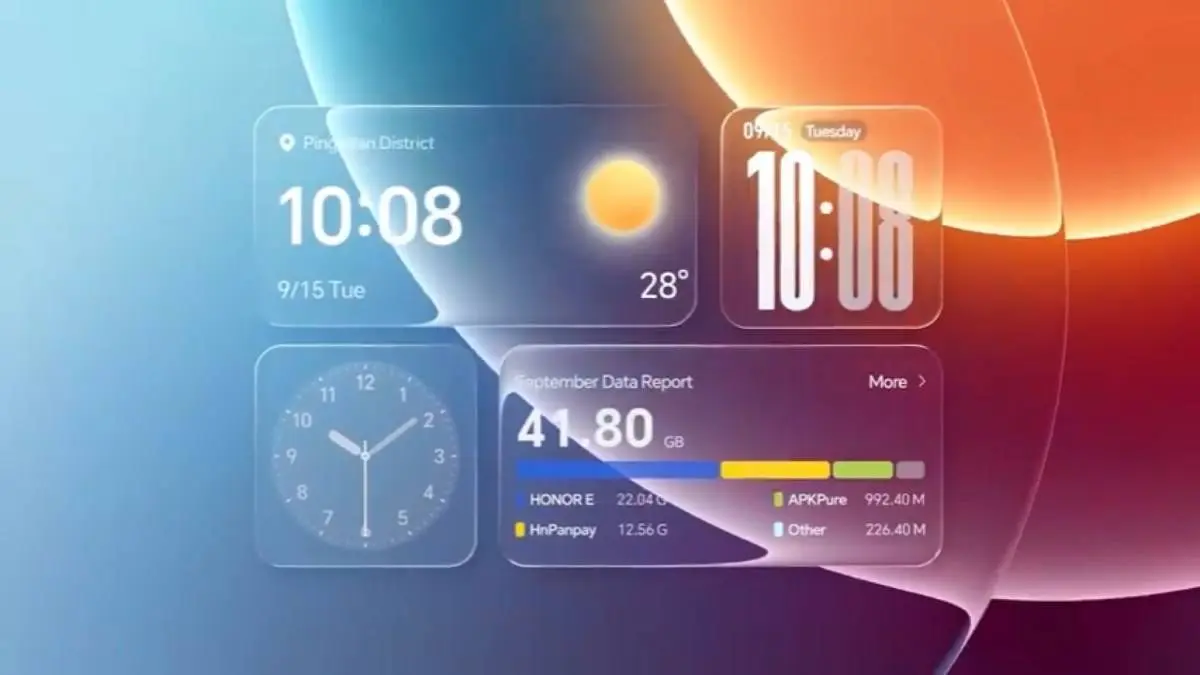
Android 13 has an evolved look and feel based on Material You. Users can customize non-Google apps to match the phone's wallpaper theme and colours, making the home screen more cohesive and user-friendly.
For the many Android users who speak more than one language, Google added a top-level feature request. Users can assign a specific language to each application, which keeps the phone system in one language and each application in a different language.
Android 13 features an updated media player that customizes its appearance based on the music or podcast you're listening to. For example, when listening to music, the media player highlights album artwork and the play bar dances to the song being played. It even works with media played through Chrome.
The user's health has always been an important theme for Android - getting enough sleep is key! Android 13 allows further customization of Bedtime Mode by dimming wallpapers and dark themes. These on-screen options help the eyes adjust to the dark when it’s about to go to bed and fall back asleep when the user wakes up in the middle of the night to check their phone.
Gone are the days of having to share an entire media library with an app. In Android 13, users can only choose the specific photos and videos they need to access.
Prevent any unnecessary access to the clipboard. Android automatically clears the clipboard history after a period of time if the user copies sensitive data such as email addresses, phone numbers, or login credentials on the device.
Android 13 helps control notifications and ensures that users only receive required alert notifications. Downloaded apps now require explicit permission from the user ID to send notifications, instead of allowing notifications by default.
Others are
Using Spatial Audio feels immersive. On supported headphones that support head tracking, Spatial Audio changes the sound source based on how the user turns their head, providing a more immersive listening experience on an Android phone or tablet.
When using a laptop, users don't want to interrupt their workflow to respond to phone chats. Soon, users will be able to stream the Messages app directly to Chromebooks so they can send and receive messages from their laptops.
Android 13 features Bluetooth Low Energy (LE) audio, a new Bluetooth audio standard that offers lower latency compared to classic audio. This allows users to hear audio that is better synchronized with the sound source, reducing latency. With Bluetooth Low Energy (LE) audio, you can also enjoy the enhanced audio quality and broadcast audio to multiple devices simultaneously.
Users will soon be able to copy content (such as URLs, images, text or videos) from their Android phones and paste them onto their tablets. Alternatively, you can start on a tablet and paste it onto your smartphone.
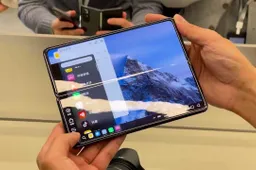
With Android 13, multitasking on a tablet is even much easier. With the newly updated taskbar on your tablet, you can see all your apps at a glance. Furthermore, users can easily drag and drop any app in your library into split-screen mode.
Android tablets register the palm and stylus as separate touches. So, whether you're writing or drawing on a tablet, you'll encounter fewer accidental stray marks because you just need to keep your hand on the screen.
Loading