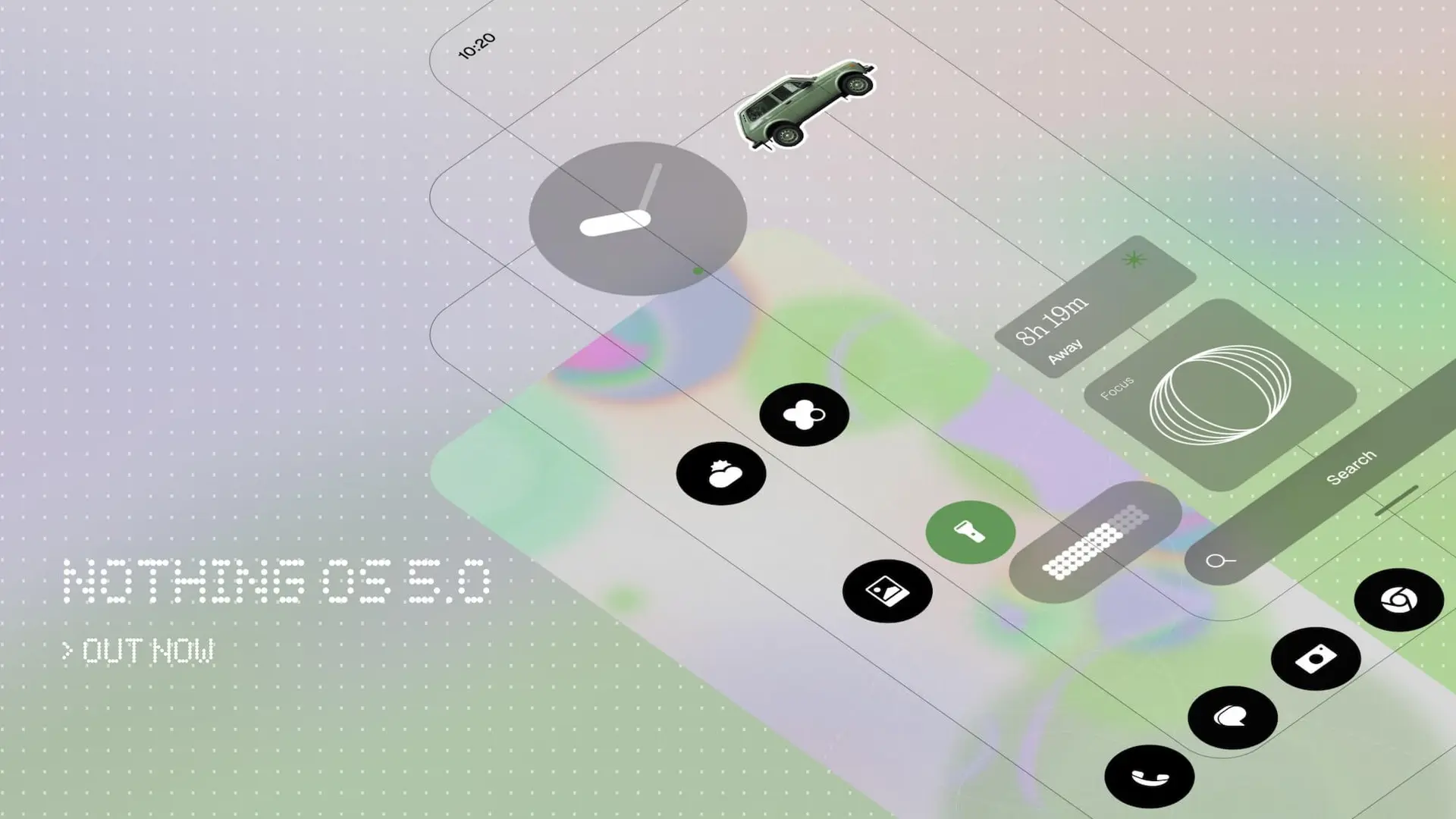
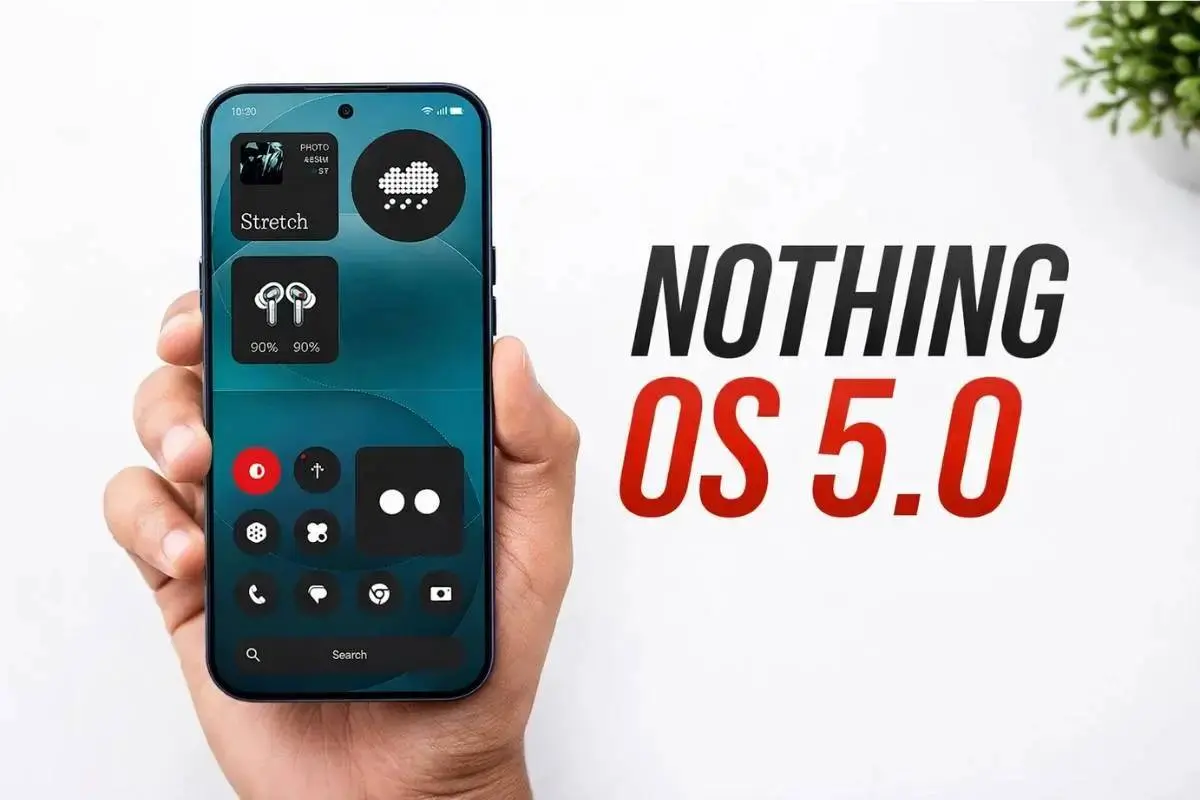
The wait is finally over! As expected, Nothing has officially unveiled Nothing OS 5.0, the company's next major software update built on top of Android 17. The highly anticipated update comes packed with over 80 system-wide refinements and focuses heavily on visual consistency. Nothing Phone users can experience deeper lock screen customization, first-party digital wellness widgets, and an expanded suite of on-device AI tools.
Nothing OS Reminds Me of the Golden Era of Custom Android
Having tested my fair share of custom ROMs and Android skins over the years, I can say Nothing OS is definitely one of the most remarkable and fun software experiences in recent memory. Do you remember when OxygenOS was unique and fun? Nothing emulates that feeling, while also delivering a totally different experience when compared to OnePlus' old Nothingdays.
Alongside the feature reveal, Nothing detailed a comprehensive rollout roadmap spanning from its August Open Beta launch all the way to early 2027 stable releases.

Nothing OS 5.0 - Development & Open Beta Schedule
Nothing is kicking off its Open Beta testing phase immediately, prioritizing its flagship devices before gradually expanding to the broader lineup.
The Open Beta program opens officially on August 26 at 11:00 BST (15:30 IST), exclusively starting with the Nothing Phone (3). Following the initial phase, additional models will join the beta throughout the fall:
- Early September: Nothing Phone (4a) Pro
- Late September: Nothing Phone (4a), Phone (3a), and Phone (3a) Pro
- Mid-October: Nothing Phone (2a) and Phone (2a) Plus
- Mid-December: Nothing Phone (4b)
Note: The budget-focused Nothing Phone (3a) Lite and CMF Phone 2 Pro will skip the Open Beta phase entirely and move directly to the general release.
Stable Public Release Timeline
Once beta testing concludes, the stable public rollout for Nothing OS 5.0 will follow a staged rollout:
- Mid-October: Nothing Phone (3)
- Early November: Nothing Phone (4a), Phone (4a) Pro, Phone (3a), and Phone (3a) Pro
- Mid-November: Nothing Phone (2a) and Phone (2a) Plus
- Late December: Nothing Phone (3a) Lite
- Mid-January 2027: Nothing Phone (4b) and CMF Phone 2 Pro
What’s New in Nothing OS 5.0
Below are the greatest additions coming with NothingOS 5.0.
System Refinements & Visual Refresh
Nothing OS 5.0 transitions to Geist as its primary system typeface, replacing dot-matrix elements in heavy text areas to improve legibility while preserving brand identity. The interface gains an adaptive color engine that pulls dominant hues directly from your wallpaper to tint app icons and Quick Settings tiles. Additionally, the status bar, Camera app, and Settings menu feature updated spacing, reworked icons, and smoother animations.

Dedicated Glyph App & Lock Screen Widgets
The signature rear Glyph Interface now has its own dedicated Glyph App, centralizing ringtones, lighting patterns, and schedules in one place. A new Glyph Timer widget lets users trigger countdowns straight from the home screen.

On the lock screen, Nothing OS 5.0 adds two new clock styles—Gooey and Micrographics—along with two new health and organization widgets: Collector (for displaying clipped images/stickers) and Away Time (for tracking phone-free streaks).
Essential AI Suite & Android 17 Features
On the intelligence front, Essential Voice offers faster real-time voice-to-text transcriptions with improved auto-formatting. Essential Space gains Model Context Protocol (MCP) support to let third-party AI models safely read selected device data. Users can also build custom mini-utilities directly on the device using natural language prompts via the new Essential Apps Builder.
Core Android 17 additions include optional split panels for Notifications and Quick Settings, cross-platform Quick Share file transfers using QR codes, and upgraded privacy indicators.
Read also
Key Points Summary
- Beta Launch: Open Beta begins August 26 for the Nothing Phone (3), expanding to other models through December.
- Stable Rollout: Official updates start in mid-October for the Phone (3) and wrap up in January 2027 for remaining devices.
- New Dedicated App: The Glyph Interface gets its own centralized management app and a home screen timer widget.
- Design & Typography: Shifts to the Geist system font, introduces wallpaper-adaptive icon tinting, and adds new lock screen clocks (Gooey & Micrographics).
- AI Upgrades: Includes real-time transcription in Essential Voice, MCP support in Essential Space, and a codeless on-device Essential Apps Builder.
Popular News
Latest News
Loading