Samsung One UI 8 is
gearing up to be a huge update. It will bring improvements not just in performance, but in camera features, specifically photo watermarks.
This change may seem small at first, but
it promises to give photos a fresh and more modern look.

A Step Beyond the Current Watermark
Right now, Samsung’s watermark
feature is very basic. It usually shows the device name, and users can add the
date or time if they want.
There are also a few options, like changing
the font or deciding where the watermark should sit on the photo
But things
will be different with the One UI 8. The new watermark design takes
inspiration from styles already used by Chinese smartphone makers.
The update
will make watermarks stand out more and add useful photo details in a stylish
way.
Read also

Modern Look with More Details
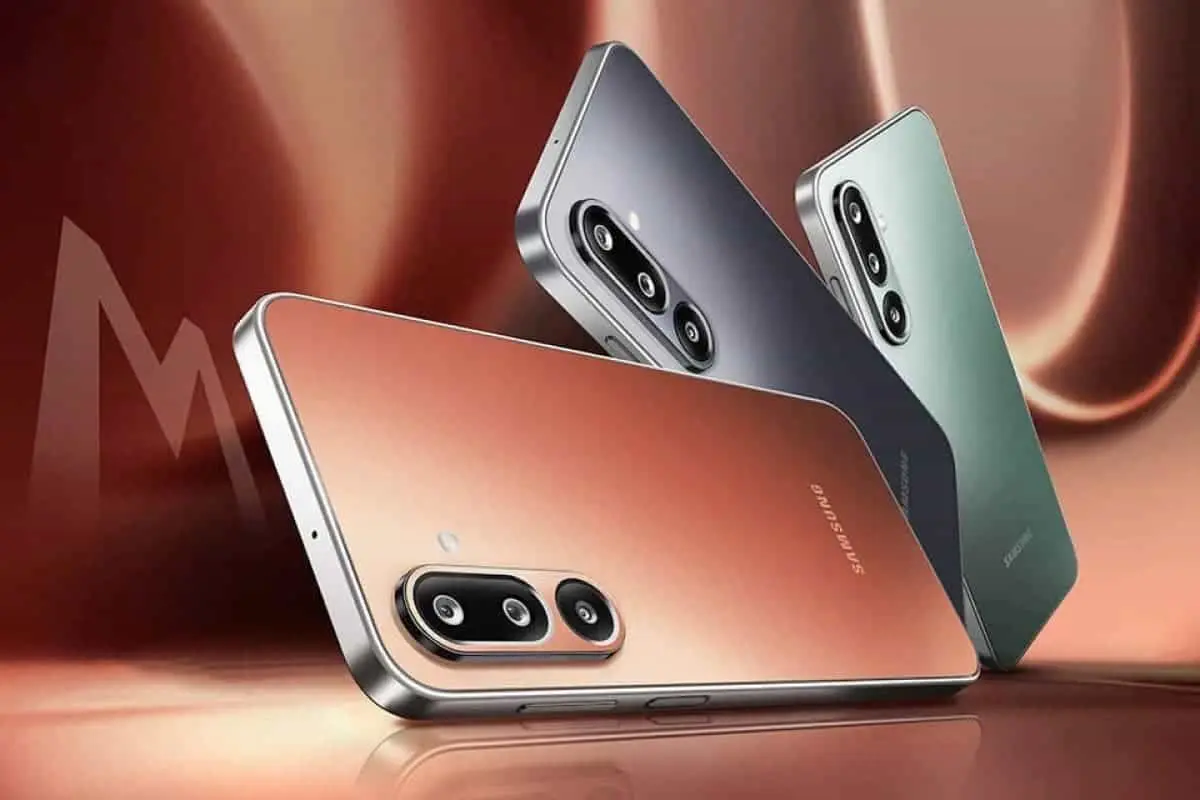
The new watermark puts the device
name in larger text, making it more visible.
It is now possible for users to include
personal edits like ISO and aperture in their photos.
On top
of that, photos with the new watermark will come with a margin on all sides. This layout gives the picture a look similar to a Polaroid photo.
It is not yet
clear if Samsung will allow users to remove the margins completely, but the
design is meant to bring a creative touch.
Another improvement is that the
watermark will adjust based on the type of photo.
There will be different
styles for portrait and landscape pictures, giving each one a better fit.
The watermark feature has been
linked to Vivid mode/ Samsung claims that when this mode is active, colours in a photo will be enhanced, making it brighter and more natural.
The
watermark will mix seamlessly with this effect, giving the photo a more
artistic feel.
Unlike the normal mode, Vivid mode changes how the whole image
looks, making it pop with stronger colors.
Coming Soon
At the moment, the One UI 8 beta
does not include this feature.
However, it is expected to launch first on Samsung's flagships
If not at the stable release of One UI
8, the upgrade could appear in a later update like One UI 8.5.
Popular News
Latest News
Loading