WPS Office Review 2026: A Solid Office Replacement with AI Features that Don’t Feel Exaggerated
Sponsored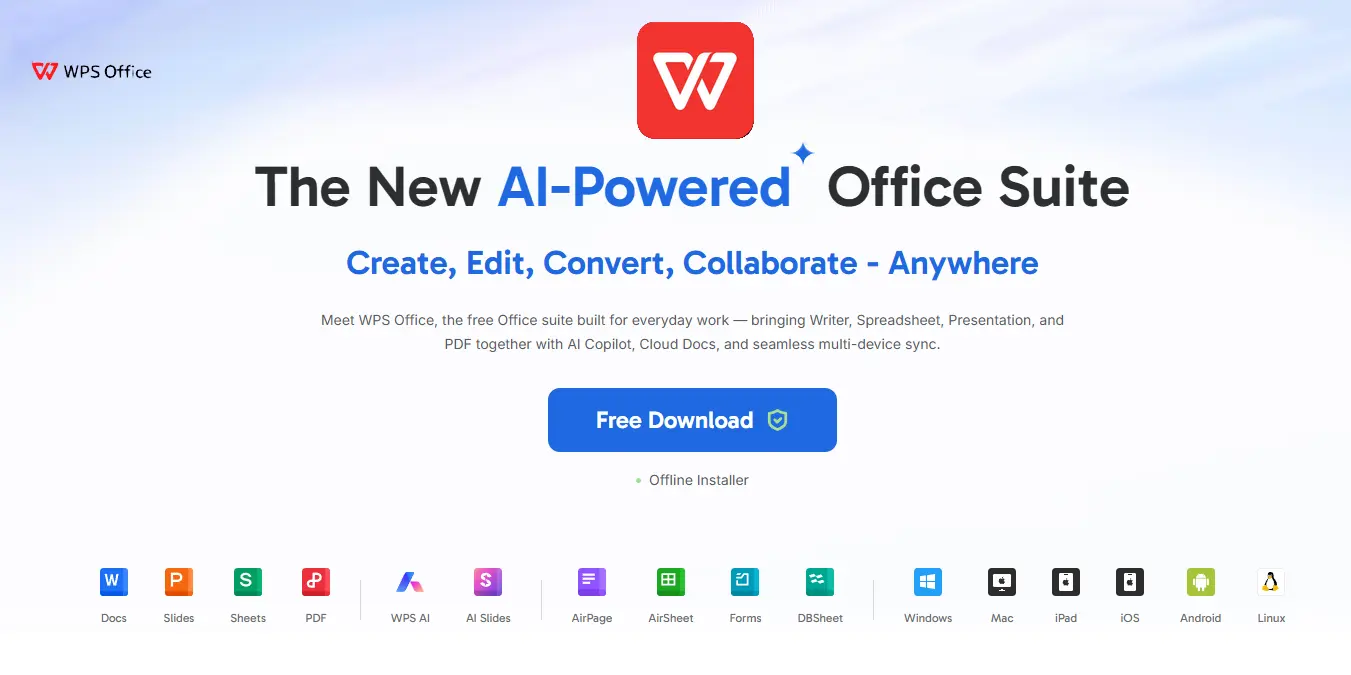
Microsoft Office is still the first name most people think of when they need productivity software, but that familiarity comes at a growing cost. Subscription prices keep rising, and what used to feel like a standard purchase now feels like another monthly bill users have to justify. For businesses scaling their teams, students losing access to education licenses, and regular users who just need software that works, the search for alternatives has become much more serious. That is where WPS Office enters the conversation.

Many office suites try to change how people work. WPS Office takes a different approach. It keeps the layout and tools that most users already know. This makes switching easy. WPS Office is free to use, and its paid plans cost much less than Microsoft 365. Even so, it includes word processing, spreadsheets, presentations, PDF tools, and AI features.
After testing WPS Office, the biggest surprise was not that it worked well. The bigger surprise was how polished everything felt. The software feels complete and easy to use.
WPS Office is no longer just a cheaper alternative. It feels like a full office suite. It gives users the tools they need without the high cost of a Microsoft 365 subscription.
WPS Office: A Familiar Interface Makes Switching Easy
The first thing we can notice when opening WPS Office is how instantly recognizable everything feels. If you have spent years working inside Microsoft Word, Excel, or PowerPoint, there is almost no adjustment period here.

That familiarity is one of WPS Office’s biggest strengths because switching software usually fails when people feel forced to relearn basic tasks. WPS avoids that problem completely. Writer mirrors the document workflow of Word closely enough that you can start working immediately. Sheets feels predictable if you already know Excel formulas and spreadsheet logic.

Slides follows the same practical structure PowerPoint users expect. That’s an intelligent UI design, that makes the difference on the end of the day.

A small business moving employees away from Microsoft 365 cannot afford weeks of adaptation. Another example are the students that not want to spend time learning strange software layouts when deadlines are already close. WPS succeeds because it respects existing habits instead of trying to “innovate” in ways that make basic work slower.
The whole suite feels thoughtfully organized. Menus are where you expect them to be, tools are easy to locate, and the dashboard keeps recent projects accessible without forcing extra clicks. It feels efficient rather than flashy, which is exactly what office software should be.
Performance on Older Systems Is Surprisingly Good
One of the biggest advantages of WPS Office is that it is lightweight and fast. Microsoft Office has become more demanding over the years. Older computers can slow down when running large files or several programs at the same time. This can be frustrating for students, home users, and small businesses using older hardware.
WPS Office takes a different approach. The installation is only about 251MB, so it downloads and installs quickly. The software opens fast, and switching between documents feels smooth.
During testing, WPS handled large spreadsheets, PDFs, and presentations without noticeable slowdowns. Even with multiple files open, performance remained responsive. This makes WPS a great choice for older laptops and budget PCs. Users can continue using their current hardware instead of spending money on upgrades just to run office software comfortably.
For anyone looking for a fast and lightweight productivity suite, WPS Office is easy to recommend.
PDF Editing Is Better Than Expected
PDF support is usually where office suites reveal their limitations. Many include basic viewing tools and call it enough, but serious editing often requires separate software like Adobe Acrobat. WPS does much better here.

The PDF editor feels like a real tool rather than an afterthought. Editing text directly inside documents works smoothly, and inserting images, shapes, links, and other objects feels natural. Layout adjustments happen without awkward lag, and even larger files remained responsive throughout testing.
There are minor rough edges. Font sizing occasionally feels unnecessarily clunky, sometimes requiring manual dropdown confirmation instead of simply accepting typed values. It is a small annoyance, but noticeable because the rest of the editing experience feels polished.
Image handling was one of the greater surprises. Built-in background removal actually performs well enough to be useful, which is rare for bundled productivity software. It is not professional image editing software, but for practical document work it saves time.
Annotation tools are equally solid. Highlighting, comments, drawing tools, and markup features all work as expected, making WPS useful for reviewing contracts, editing drafts, or collaborative feedback.
Page management is simple and intuitive. Splitting, merging, replacing, extracting, and rearranging pages takes only a few clicks without digging through buried menus. OCR also performed reliably enough for normal scanned document editing, converting files accurately in most situations.
For many users, WPS can realistically replace separate PDF software subscriptions, and that significantly increases its value.
AI Features Feel Useful Instead of Forced
And here comes AI. Considering how this has invaded basically everything around us, it’s easy to find some users upset about how companies are inserting AI in basically everything. There are dozens of features everywhere that sometimes are not really useful. In many cases, these tools feel unfinished or exist mainly for marketing.

WPS surprised me by making its AI features genuinely practical. The Document summarization works well for quickly extracting key points from longer files, though response times can occasionally feel slower than expected. Text rewriting tools handle expansion and shortening tasks effectively without destroying context or producing robotic nonsense.
Of course, the standout feature is slide generation. WPS can scan documents, identify structure, organize key information, and generate full presentation drafts automatically. These are not final, polished decks ready for boardroom use, but they provide a strong foundation that saves real preparation time.

For students building presentations from research material or professionals preparing reports quickly, this is more than a novelty feature. It is a legitimate workflow improvement.
Its parallel translation feature is another smart addition, especially for international students and professionals handling multilingual documents. Translation preserves formatting across Word files, PDFs, and slides while maintaining readability. That sounds simple, but many competing tools ruin layouts during translation. WPS handles it much better.
Why Students and Small Businesses Benefit Most
WPS feels especially well-suited to users who need capable productivity software without recurring premium costs.
Students often lose access to educational Microsoft Office licenses after graduation, leaving them suddenly dependent on paid subscriptions just as they enter the job market or continue their academic work independently. WPS provides a smooth transition by preserving file compatibility while remaining free for core tasks.

New college students can benefit from WPS Office too. Many laptops no longer come with Microsoft Office included. That means students often need to pay for a subscription on top of tuition, books, and other expenses. WPS offers a lower-cost option that can handle essays, spreadsheets, PDFs, and presentations with ease.
WPS can also help businesses save money. As teams grow, software costs increase because every employee may need a subscription. WPS is a more affordable alternative that still works with Microsoft Office file formats. This makes it easy to share documents with clients, partners, and coworkers. For organizations trying to control costs, that can make a big difference.
The Free Version Still Feels Restrictive
WPS Office offers a lot for free, but the free version does have some limits. Upgrade prompts appear regularly, and some of the best PDF and AI tools are only available with a paid plan. The free version is still useful for everyday work, but users will often see reminders about features they cannot access.
That said, the software delivers enough value that many users may find the upgrade worthwhile. Still, the frequent prompts to move to a paid plan can feel a bit pushy, especially during longer work sessions.
Key Points
• WPS Office offers a familiar Microsoft Office-style interface, making the switch easy for most users.
• The suite includes Writer, Sheets, Slides, PDF tools, and AI features in a single package.
• It runs smoothly on older and lower-end PCs, helping users extend the life of existing hardware.
• PDF editing is one of WPS Office's strongest features, with support for editing text, images, annotations, OCR, and page management.
• AI tools provide useful features such as document summaries, text rewriting, presentation creation, and document translation.
• Students can continue using office software after losing access to Microsoft education licenses without paying high subscription fees.
• Small businesses can reduce software costs while maintaining compatibility with Microsoft Office file formats.
• The free version covers basic productivity needs, though some advanced PDF and AI features require a paid plan.
• WPS Office costs significantly less than Microsoft 365 while delivering many of the same core productivity features.
• The software focuses on practical productivity rather than reinventing familiar workflows, resulting in a smoother learning curve.
Final Thoughts
WPS Office succeeds because it focuses on what most users need. It offers familiar tools, runs well on older PCs, and helps reduce software costs.
Students can keep working after losing access to Microsoft Office education licenses. Small businesses can save money on subscriptions. Many users can even replace separate PDF software with WPS Office.
Most importantly, switching feels easy. The interface is familiar, the tools are easy to find, and there is very little learning curve.
That is what makes WPS Office stand out. It delivers a complete office experience at a much lower cost than Microsoft 365.
Popular News





Latest News
Loading