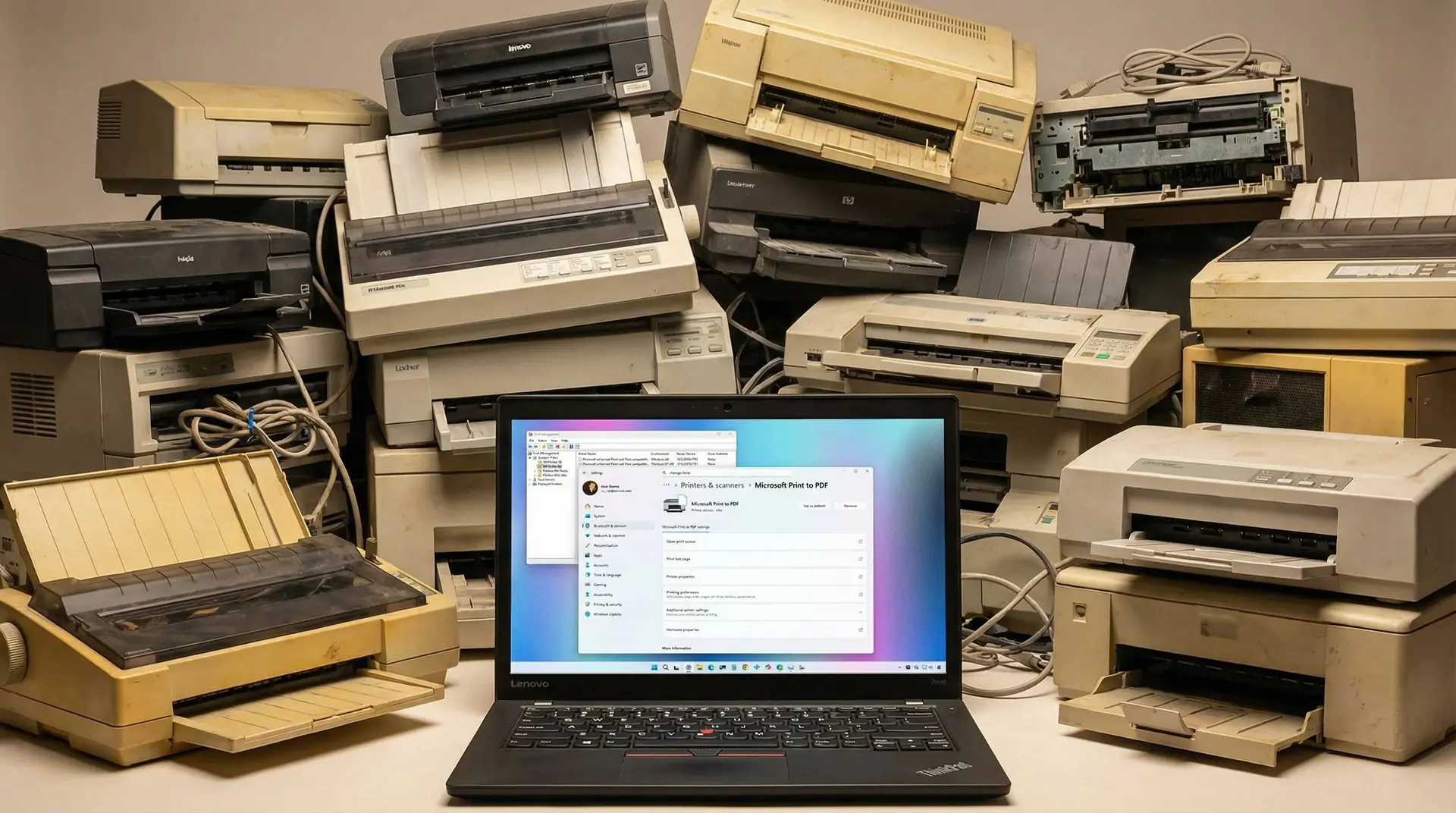
Your office printer might have a problem soon. Microsoft decided to kill off V3 and V4 printer drivers early next year. If your printer relies on these older drivers, it could stop working after February 2026.
Key Points:
- Microsoft ending V3 and V4 printer driver support in Windows 11 starting February 2026
- Transition aims to eliminate kernel-level security vulnerabilities exploited by attackers
- Windows 11 24H2 and 25H2 users will lose functionality on older printers after updates
- Small businesses and schools face costly replacements for enterprise-grade legacy hardware
- Shift toward Mopria/IPP standards eliminates need for manufacturer-specific driver software
The Security Angle
Old printer drivers run deep inside Windows. They have kernel-level access, which sounds technical but basically means they control important parts of your computer. Hackers love this. They keep finding ways to break into Windows through printer driver bugs.

Microsoft got tired of patching the same problems over and over. Their solution? Ditch the old system entirely. They want everyone using Mopria-certified printers and something called IPP instead. It's supposed to work like USB keyboards do now—just plug it in and start using it.
What Actually Breaks
If you're running Windows 11 version 24H2 or 25H2, pay attention. Your printer might not die immediately, but things will break eventually. Maybe it won't install anymore. Maybe it stops printing one day after an update. Features like two-sided printing or scanning could vanish even if regular printing still limps along.
Home users can probably handle this. Basic inkjet printers cost less than €100 these days. Grab a new one and move on.
Small businesses have it worse. That heavy-duty laser printer from 2012 still works great and prints thousands of pages every month. Replacing it costs real money and needs actual budget approval.

Check Your Printer Now
Don't wait until this month rolls around. Go check what you have right now.
- Open Settings.
- Click Bluetooth & devices.
- Then click Printers & scanners.
- Look at the driver details there.
Then visit your printer maker's website. Search for your exact model number. Look specifically for words like "IPP support" or "Mopria compatible." Some older printers got firmware updates that added these features later.
Got a printer from before 2010? Start shopping for a replacement. Companies rarely update products they stopped selling years ago.
Is This Worth It?
Nobody likes buying new hardware when the old stuff works fine. It's annoying when software changes force you to spend money. But there's a reason behind this.
Every old driver Microsoft removes makes Windows harder to hack. Each one eliminated means one less way for malware to sneak in. That matters for security.
The February 2026 deadline isn't changing. Microsoft set the date. When it arrives, those old drivers stop working whether we like it or not. Better to plan ahead than scramble later.
Popular News



Latest News
Loading