For years, if you used Apple AirPods with a Xiaomi phone, you were essentially a second-class citizen. Sure, the sound was great, but you were stuck in a constant battle with third-party apps just to see your battery level. It was a compromise most of us just learned to live with.

That changes today. With the release of HyperOS 3.1, Xiaomi has quietly pulled off something no other Android manufacturer has: they’ve treated AirPods like a first-party product. No more "MaterialPods" workarounds; the magic is now built directly into the system.

Key Points
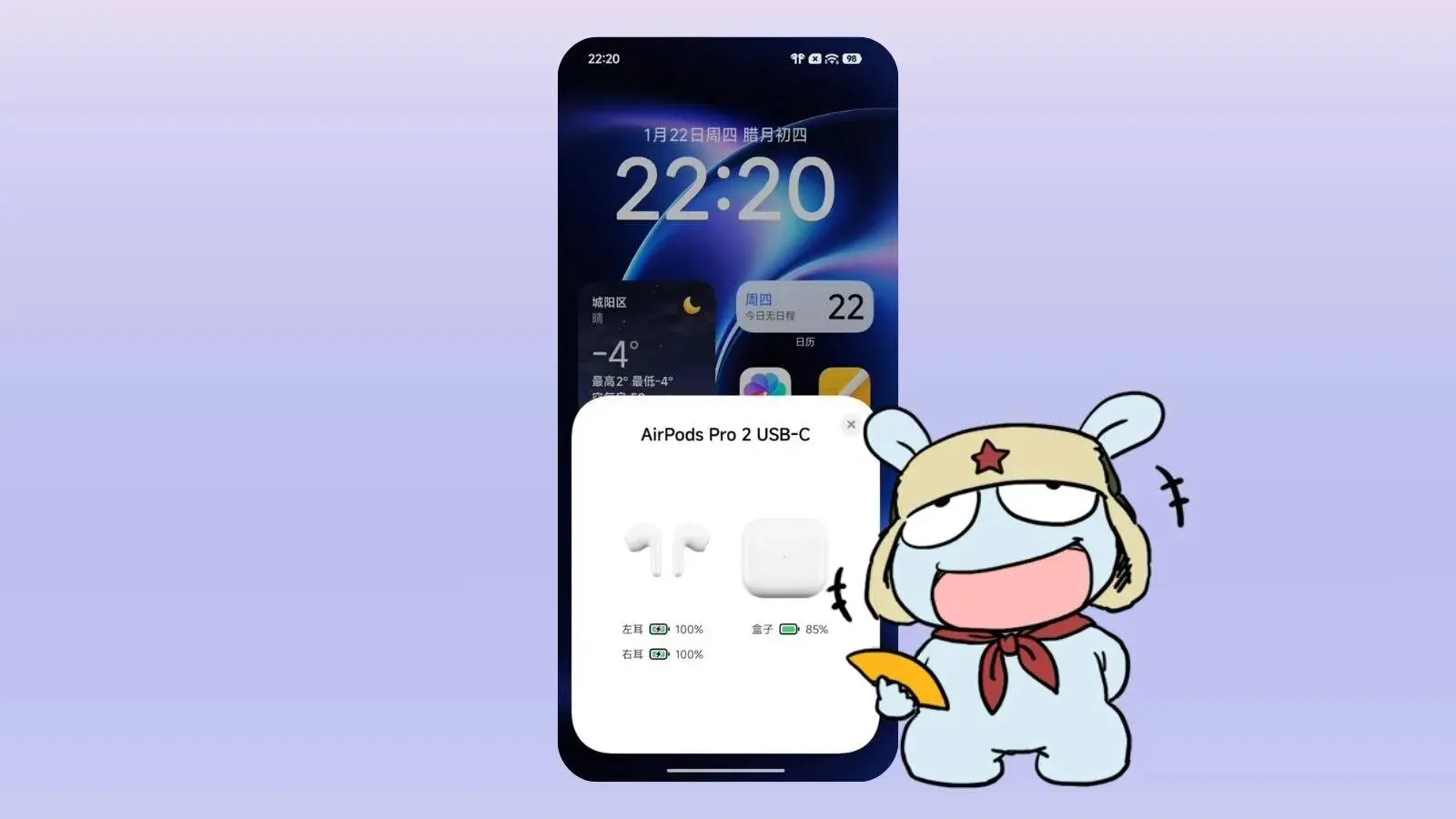
- Native Pop-Up Support: Opening an AirPods case now triggers an instant, system-level battery and connection card.
- Spatial Audio Unlocked: AirPods Pro and Max users can now enjoy 360-degree immersive audio natively on Xiaomi devices.
- Device Center Control: Manage ANC, Transparency modes, and connection priority directly from the HyperOS control hub.
- Status Bar Recognition: HyperOS 3.1 displays the correct AirPods model icon in the status bar instead of a generic Bluetooth symbol.
- Xiaomi "Find My" Integration: Lost AirPods can now be located using the Xiaomi Online Search network, even without an Apple ID.

The "Magic" Pop-Up Finally Hits Android
The most glaring omission for Android-AirPods users has always been the connection card. Now, the second you flip that white case open near your Xiaomi, a native system card slides up. It shows the buds, the case, and real-time battery levels—exactly like it does on an iPhone.
Spatial Audio is No Longer an iPhone Exclusive
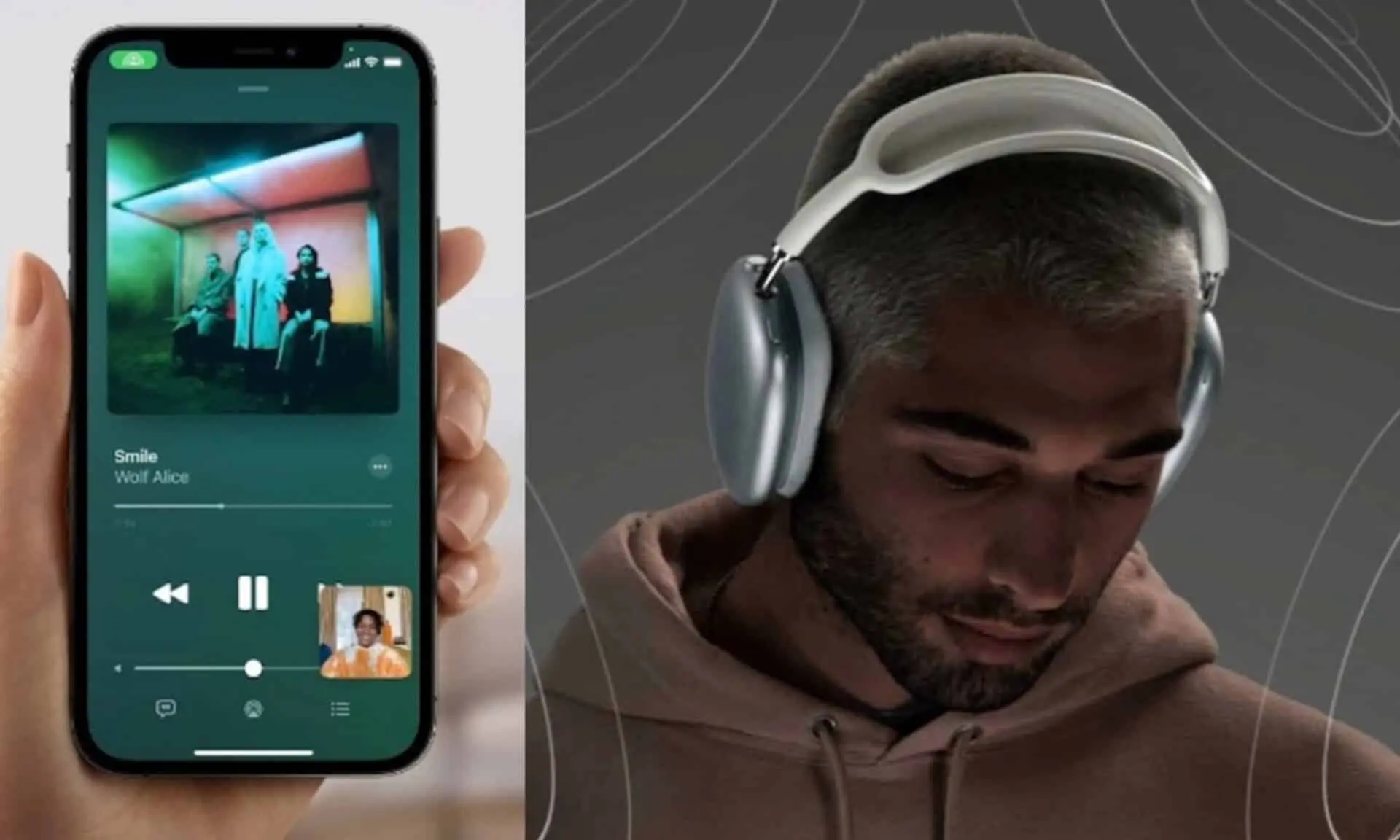
If you own AirPods Pro or Max, you know the struggle of losing Spatial Audio the moment you pair with Android. HyperOS 3.1 changes that. You now get full 360-degree immersive audio natively. No rooting, no sketchy mods—just the immersive sound Apple intended, running on Xiaomi’s hardware.

Deep System Integration
Xiaomi didn't just stop at a pop-up. They’ve integrated the AirPods into the Integrated Device Center.
- Status Bar Icons: You get a specific AirPods icon instead of the generic Bluetooth symbol.
- Find Device Support: Surprisingly, your AirPods are now trackable through the "Xiaomi Online Search" network. If you lose a bud, you can actually find it without needing an iPad nearby.
- One-Tap Control: Noise cancellation and transparency modes are now toggles right in your control hub.

Why This is a Big Deal
This isn't just a "cool feature." It’s a strategic middle finger to the walled garden. Xiaomi knows there is a massive "hybrid" audience—people who want the value of a Xiaomi flagship but prefer Apple’s audio engineering. By removing the friction, Xiaomi just made it significantly easier for iPhone users to finally make the switch.
Popular News


Latest News
Loading