Does the iPhone 18 Pro Still Freeze Even After the iOS 27.0.1 Fix Update?
AppleWednesday, 30 September 2026 at 09:24
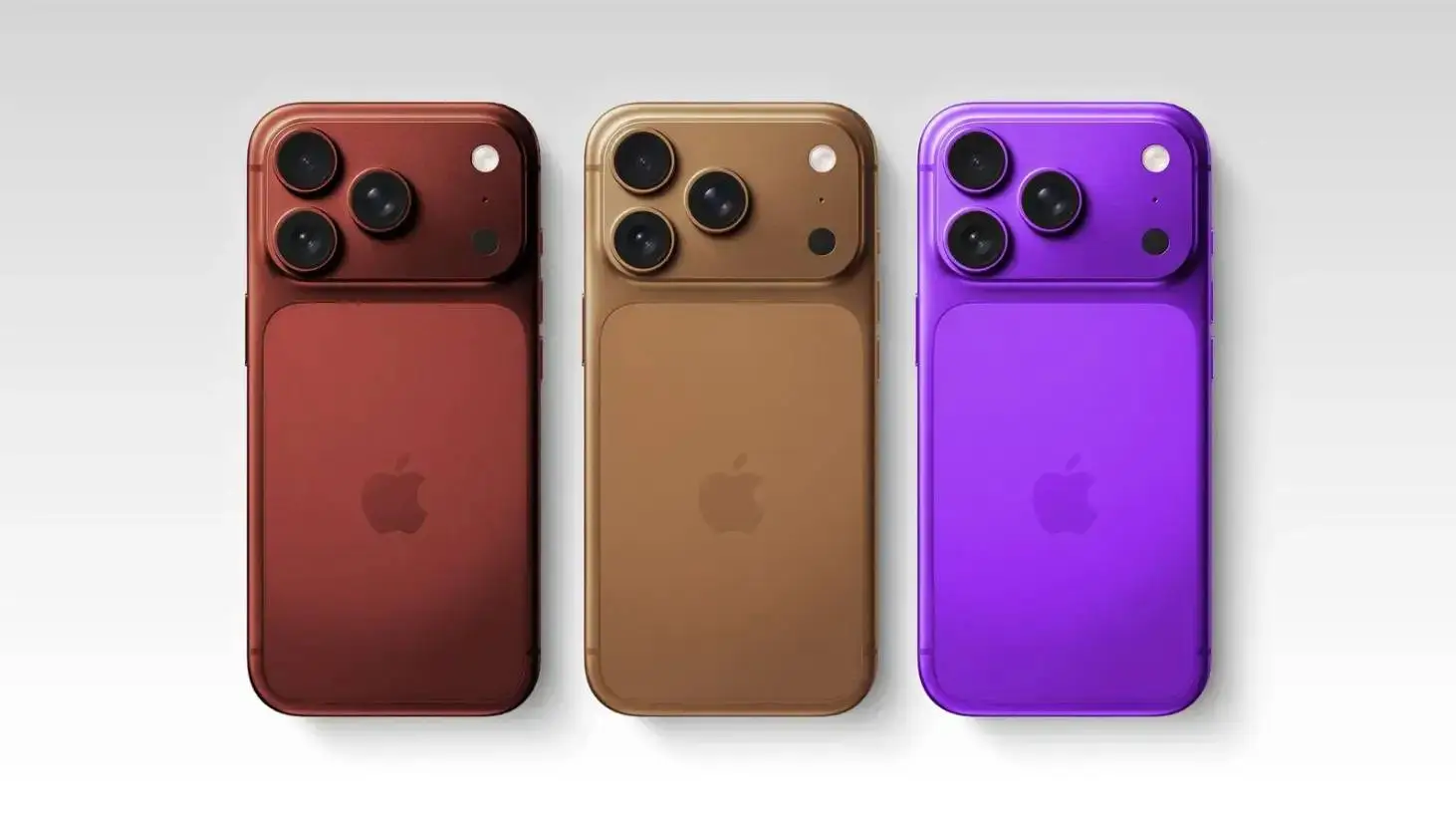
The iOS 27.0.1 update fixes several serious bugs, but others remain on the iPhone 18 Pro and 18 Pro Max. Apple released iOS 27.0.1 on September 28, exactly two weeks after the release of iOS 27. The update targets all supported models from the iPhone 11 onward.
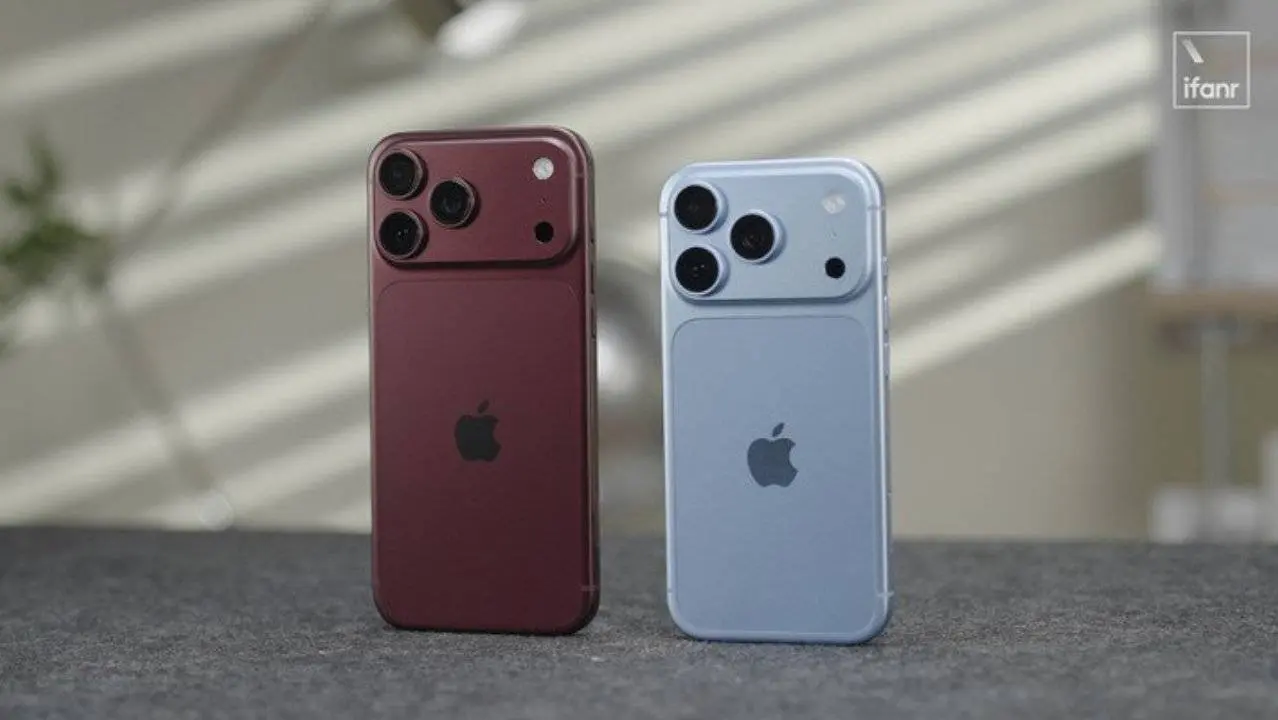
According to available information, it addresses, for example, an issue where the iPhone 18 Pro and 18 Pro Max could unexpectedly restart after a failed Face ID authentication attempt. It also fixes the touchscreen becoming unresponsive after simultaneously opening the Notification Center and Control Center.
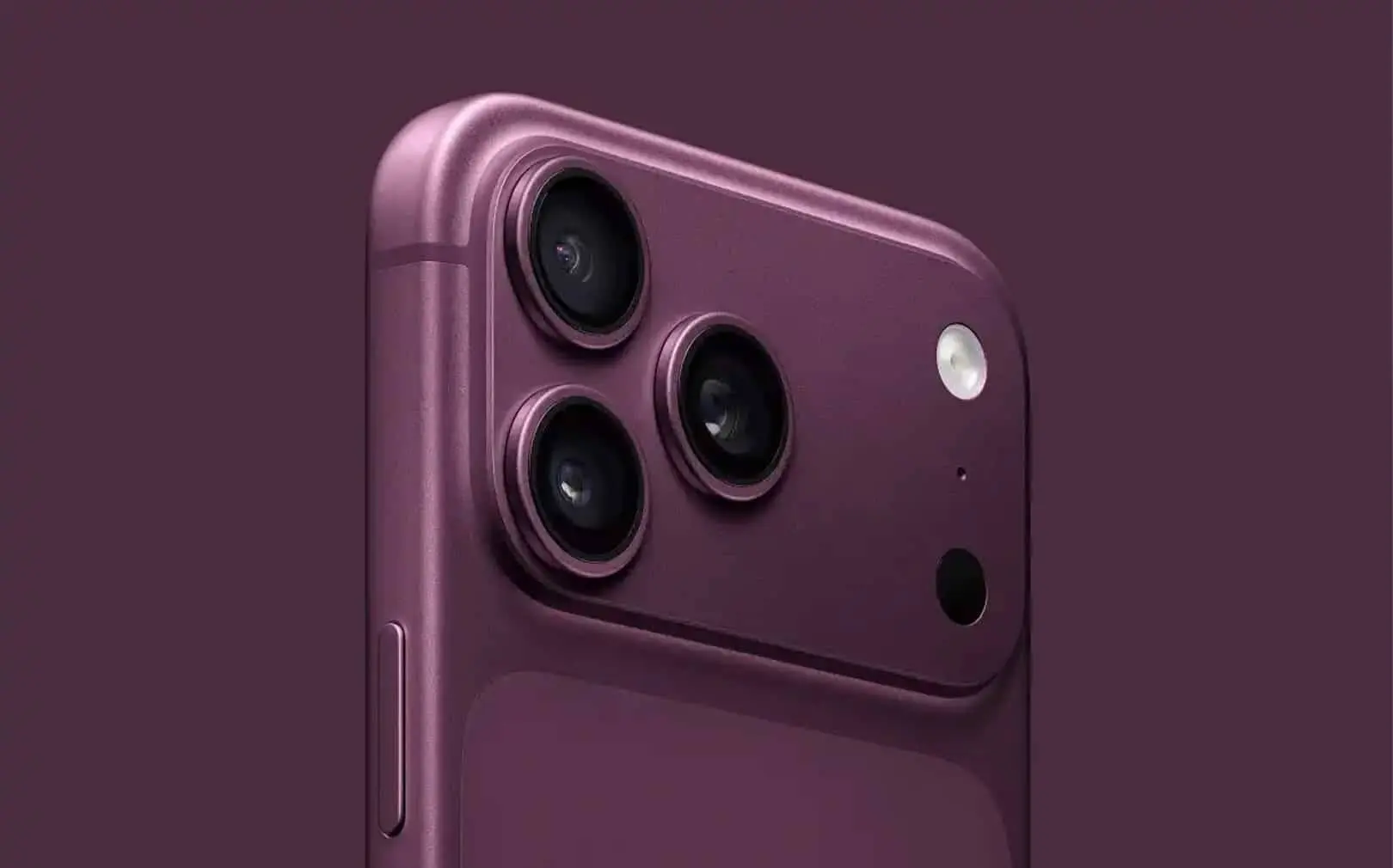
How to Trigger the Bug
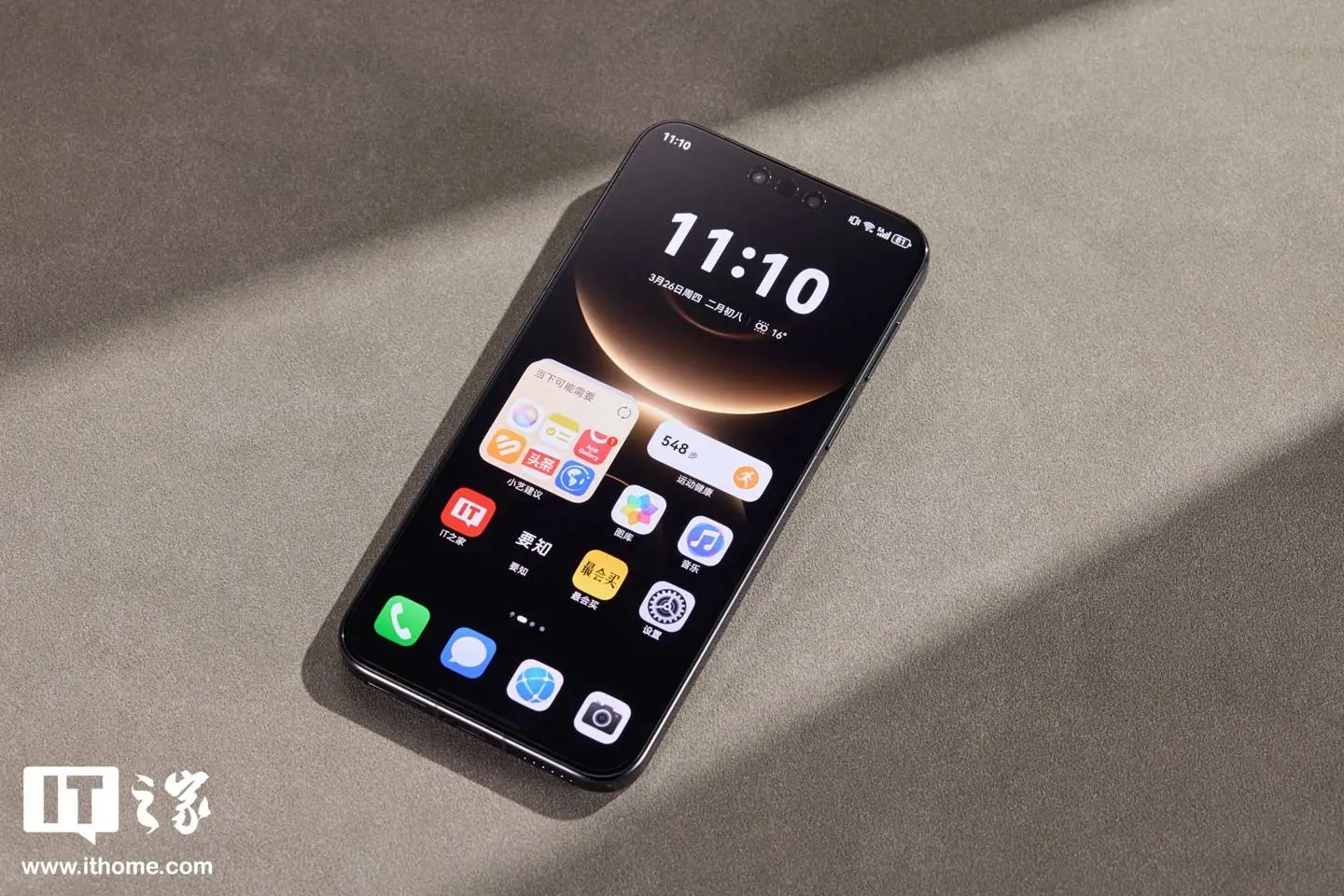
The process was described by the channel TechDroider, and IT Home found additional users on X who were able to reproduce the bug. The user must hold down an app icon on the home screen to enter edit mode, drag a widget with one finger, tap the page indicator (the dots at the bottom edge), and then re-enter one of the pages. According to TechDroider, the interface then freezes and the iPhone stops responding. Based on available reports, a forced restart is required to restore functionality.
IT Home states that the issue was mainly reproduced on the iPhone 18 Pro and 18 Pro Max models. However, other reports suggest the scope may be broader. Thai outlet DroidSans reports that TechDroider triggered similar problems on an iPhone 17 Pro Max running iOS 27.0.1, as well as on an iPhone 16 Pro Max running the iOS 27.2 beta. The full scope of the problem therefore remains unclear, and without wider testing it's not possible to say whether this is a bug specific to certain models or a more general issue with iOS 27. One user also claims to have verified the bug on a display iPhone 18 Pro at the Apple Store on Fifth Avenue in New York.

Apple Stays Silent as Criticism Grows
Apple has not yet publicly commented on this newly reported widget issue. Meanwhile, the label "BugOS 27" is spreading on social media, and TechDroider is calling for an immediate fix. The outlet Glitched additionally described another scenario, where a crash reportedly occurs while editing a widget at the same time the Notification Center is being pulled down. This, however, is a third-party report, not an issue confirmed by Apple.

The problem is particularly frustrating because it can lock up control of the device. iOS 27 has been publicly available since September 14, and basic home screen actions, such as dragging a widget, can still cause it to lock up. This is standard, everyday interaction with widgets on the home screen, not a cosmetic flaw, but a genuine freeze in device control. The fix update resolved some previously known issues, but shortly after its release, another report of freezing during widget interaction emerged. How quickly Apple will respond remains unknown for now.

Until a further fix is released, it's sensible to avoid the described combination of steps when editing widgets, particularly moving them between home screen pages. If the phone does freeze, a forced restart will help: quickly press the volume up button, then the volume down button, and hold the side button until the Apple logo appears. That said, it's still worth installing the update without delay. In its release notes for iOS 27.0.1, Apple lists a fix for Face ID and camera issues on the iPhone 18 Pro and 18 Pro Max, as well as a fix for the bug that could freeze the touchscreen when the Notification Center and Control Center were opened at the same time.
loading
Popular News



Latest News
Loading