Google is
expanding its cross-platform file-sharing functionality to more Android
devices, allowing them to transfer files to iPhones via the AirDrop protocol.
In the coming days, Pixel 9, Pixel 9 Pro, Pixel 9 Pro XL, and Pixel 9 Pro Fold
models will support AirDrop via Quick Share. This move builds on a plan Google
first shared last year. At that time, the tool was only available on the newer
Pixel 10 series. Now, more Pixel users will get it too.

Pixel and iPhone Can Finally Talk
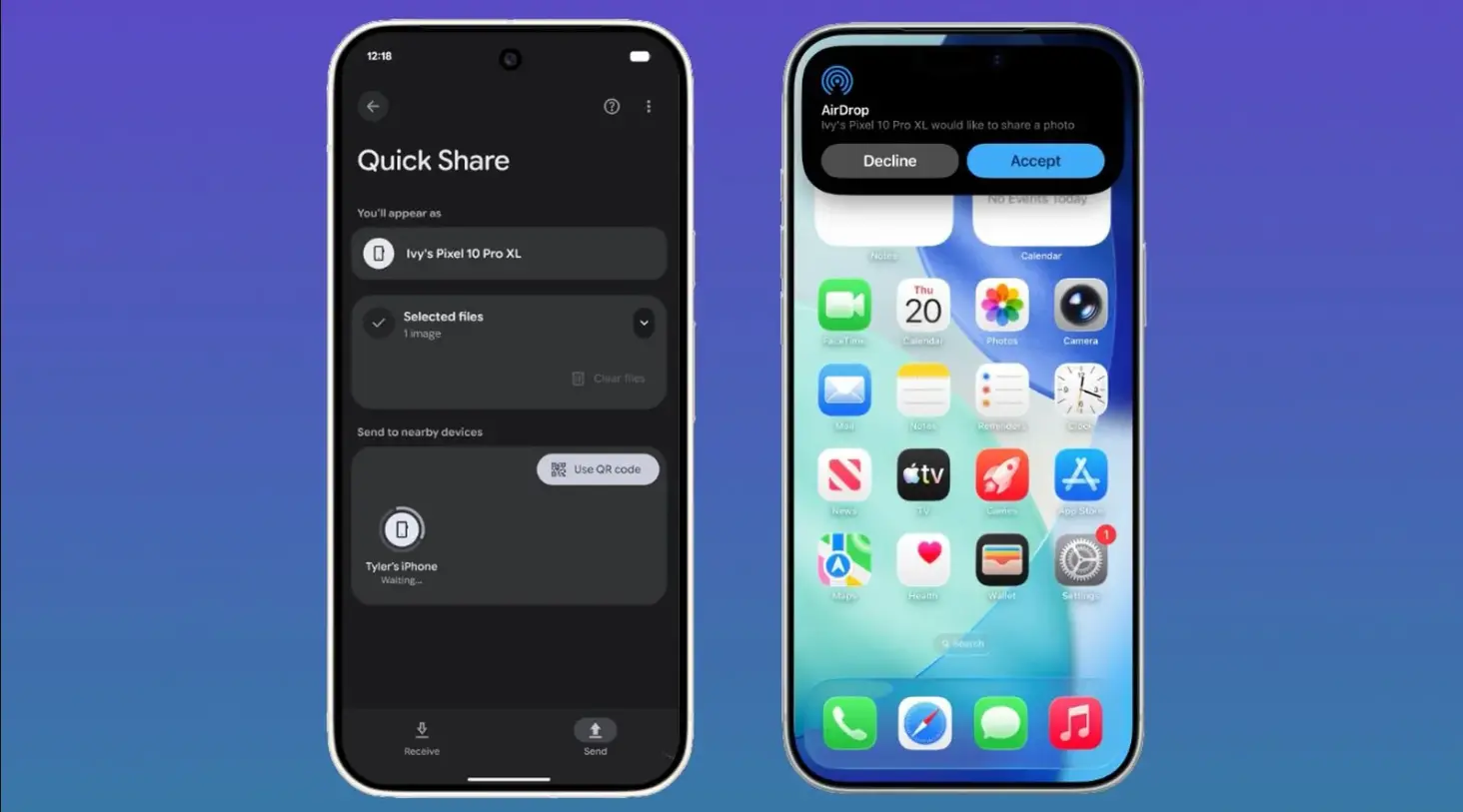
Google Pixel 9 users can now easily send files to Apple
devices using Quick Share’s collaboration with AirDrop. There is no need for the web. The phones link directly, device-to-device.
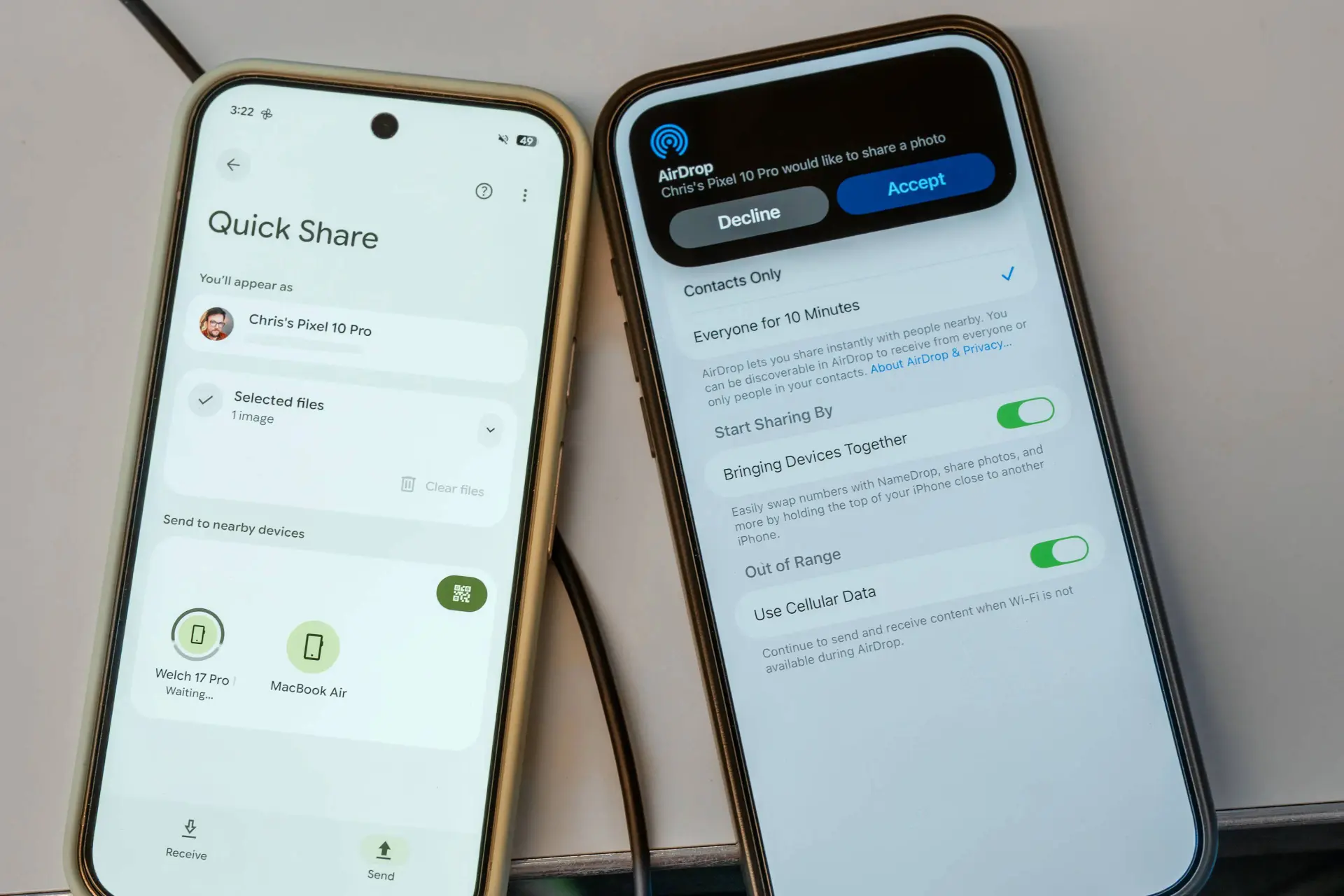
From the user side, it feels just like a normal AirDrop feature. The iPhone shows the same alert to accept or deny the
file. If it is a doc, it goes to
the Files app. To get files from a Pixel phone, iPhone users must set AirDrop
to “open to all” for 10 minutes. Once that is on, the Pixel device can see it
and send the file.

What Pixel Users Need to Do
It works both ways. If a Pixel
user wants to get a file from an iPhone or Mac, they must also turn on the
“open to all” mode for 10 minutes. They can also go to the Quick Share page and
switch to get the mode settings. After this, all filed will be saved in the
Files app on the Pixel phone. The flow is simple and close to what Apple users
are used to.
Safe and Direct Share
According to Google, the operation
of Quick Share and AirDrop comes with security
layers. There is a safe share link, plus built-in guard
steps for both Android and iOS. Before any file moves, the user must say yes. The
data goes through a direct link. It does not pass a server. When two phones
link, each shows the name of the other device. This helps users check that they
are sending to the right one.
For years, Android and iPhone
users had to use apps or web tools to swap files. Now, with this new step, the
gap feels much smaller.
Popular News



Latest News
Loading